Share a link
Send an article from your browser or paste its URL into WebReader.
 WebReader
LISTEN TO THE WEB YOUR WAY
WebReader: Read Aloud URLs is an Android text-to-speech app by San Tran. Share an article link from your browser to listen to the main text in the background, including with your screen locked.
Get it free on Google Play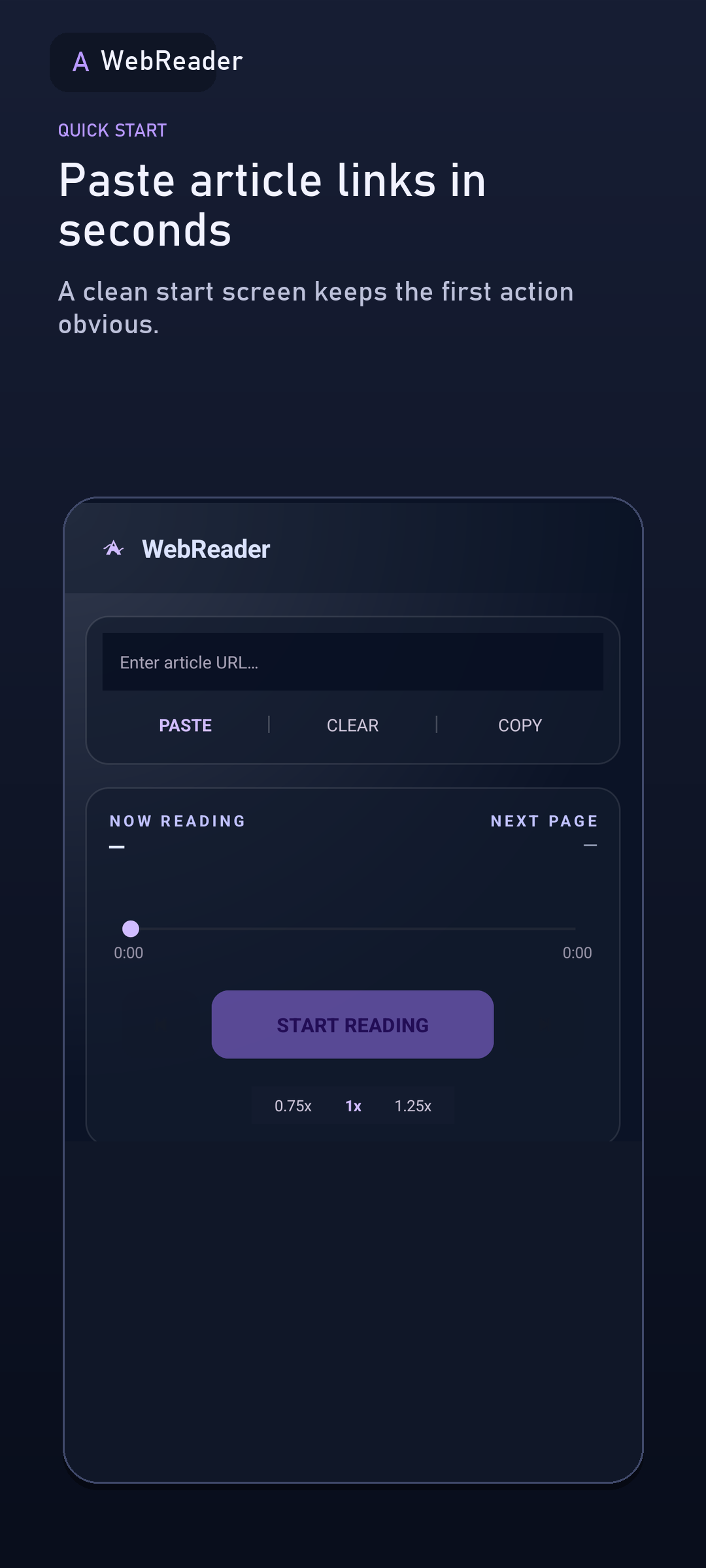
FROM LINK TO AUDIO
Send an article from your browser or paste its URL into WebReader.
WebReader extracts the article content for a cleaner listening experience.
Switch apps and control playback from your notification.
SEE WEBREADER IN ACTION
Share a web page, choose a reading speed, and return to recently opened pages.
Page extraction varies by website; pages that require sign-in or block access may not work fully.
Get WebReader on Google Play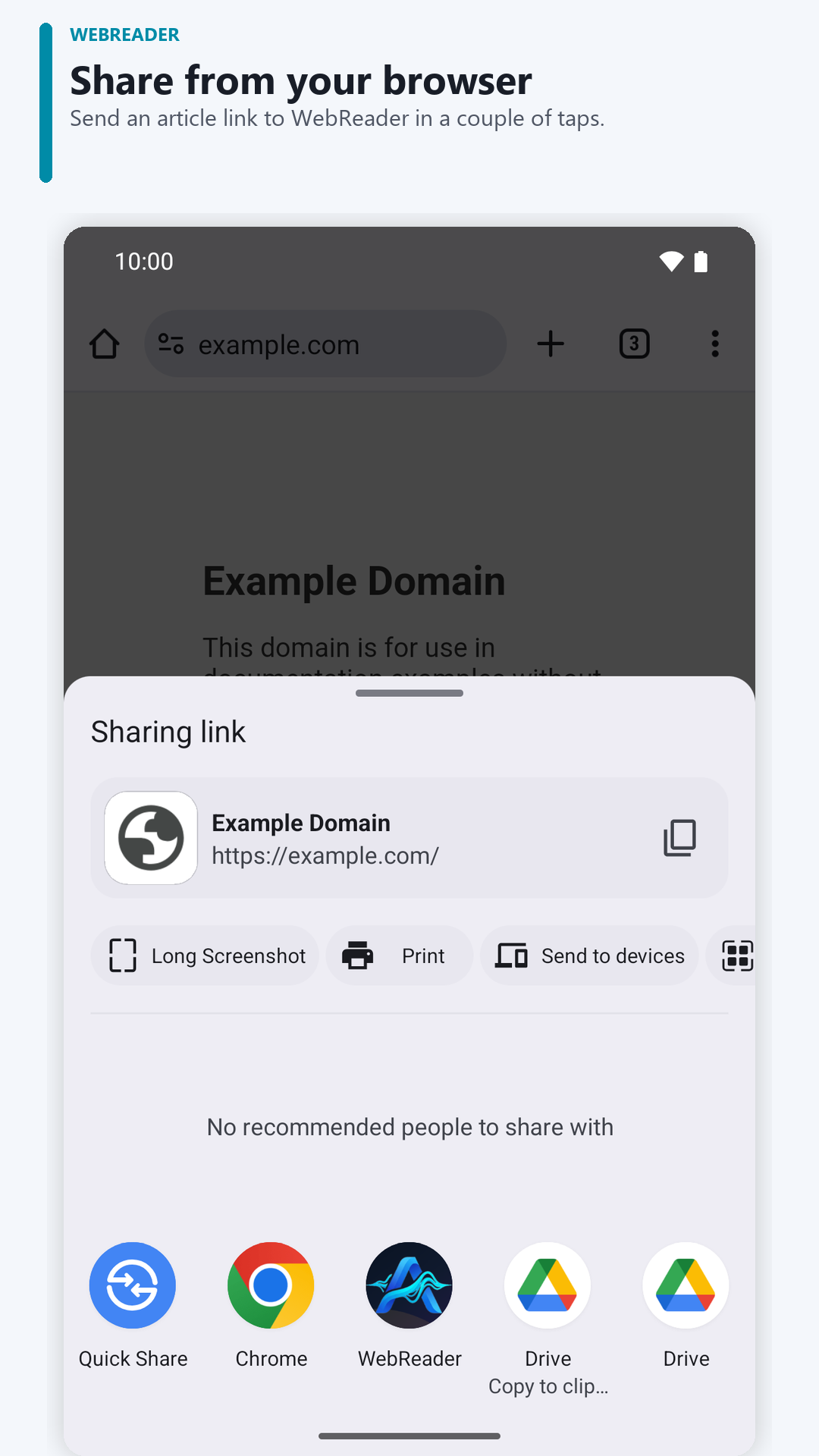
START IN A FEW STEPS
Extraction varies by website. Pages that require sign-in or block access may not work completely.
Read the Android guide to listening to web pages →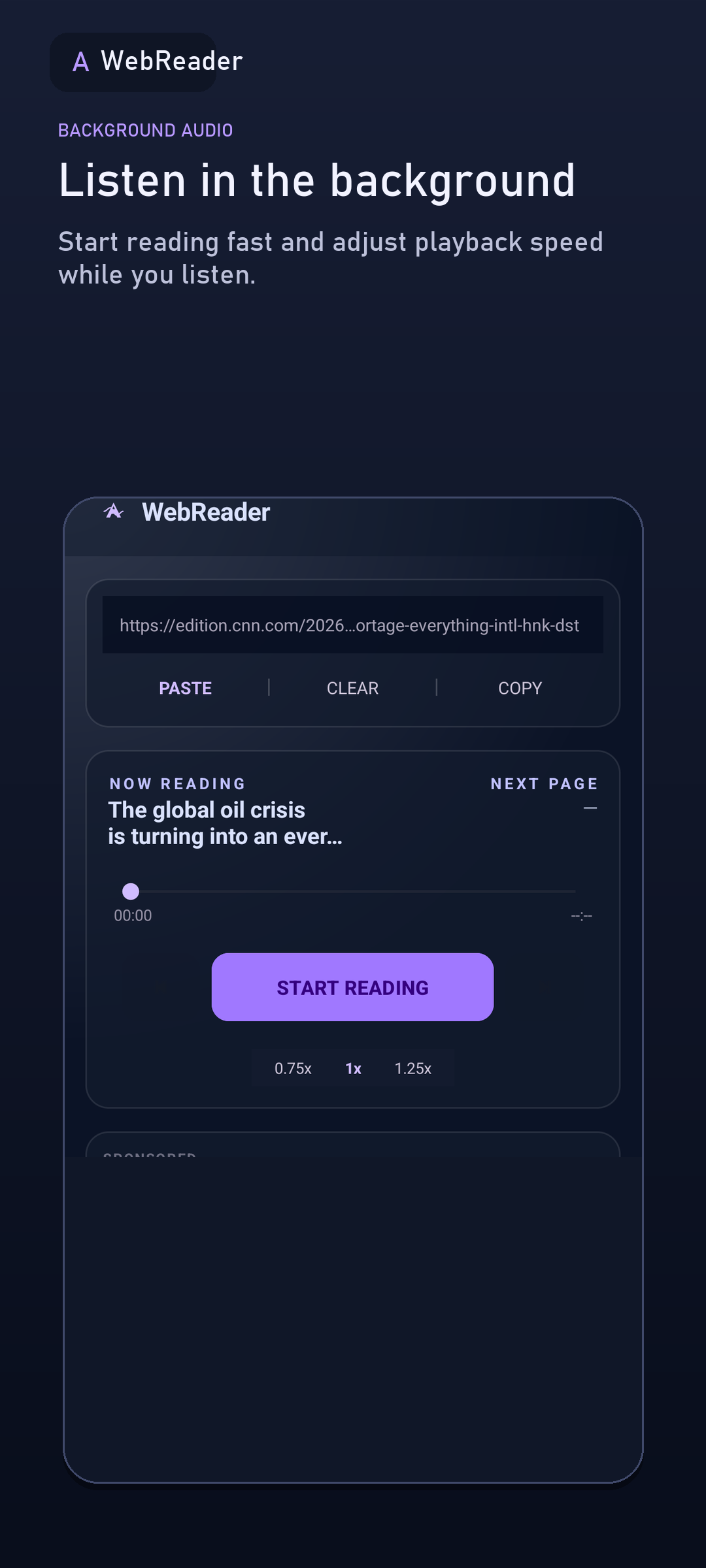
MAKE LISTENING YOURS
READ ON YOUR SCHEDULE
WebReader is a web page reader for Android: share an article, blog, or story and listen with text to speech using voices on your device. For commutes, chores, or a screen break. Extraction varies by website.
PICK THE RIGHT WAY TO LISTEN
Chrome on Android offers “Listen to this page” on supported pages. If you only need to hear one page in your browser, try that first. WebReader is useful when you want to share links from other apps, keep a listening history, and return to a page you opened; article extraction varies by website.
COMMON QUESTIONS
This is WebReader: Read Aloud URLs for Android, developed by San Tran. Its Google Play package is com.tripslay.autoreadweb. Use the Google Play links on this official product site to find the correct app.
Open the article in your browser, tap Share and select WebReader. Wait for the main text to load, start playback, then lock your screen. Use the notification or lock-screen controls to pause or resume. If Android stops playback, check the app's battery settings. Loading a page requires internet access.
WebReader by San Tran is a separate Android app that receives shared URLs. It is not a desktop Chrome extension or ReadSpeaker's website reading service. You can share a page from Chrome on Android into the app.
You can download the app for free. It contains ads and offers in-app purchases; Google Play shows prices and details before a purchase.
An internet connection is needed to load web pages. Spoken audio may require a connection or work offline depending on the voice and text-to-speech engine on your device.
Not always. Pages that require sign-in, block access, or load content in unusual ways may not extract completely.
Yes. The interface is available in English and Vietnamese. Spoken voices depend on the text-to-speech voices installed and supported on your Android device.
Reading history and progress are stored on your device. Google Ads and Firebase may process some device, app activity, and diagnostic data. See the Privacy Policy for details.
Send the website name or a public URL, Android version, and the step that failed to admin@tripslay.com. Do not send passwords or private links. Read the getting-started guide.
WEBREADER FOR ANDROID